
































Your choice

Supported Apps

Connect AirData with the apps you already use. Discover supported flight, mapping, and operational platforms that seamlessly bring your data together in one place.

Explore Supported Apps
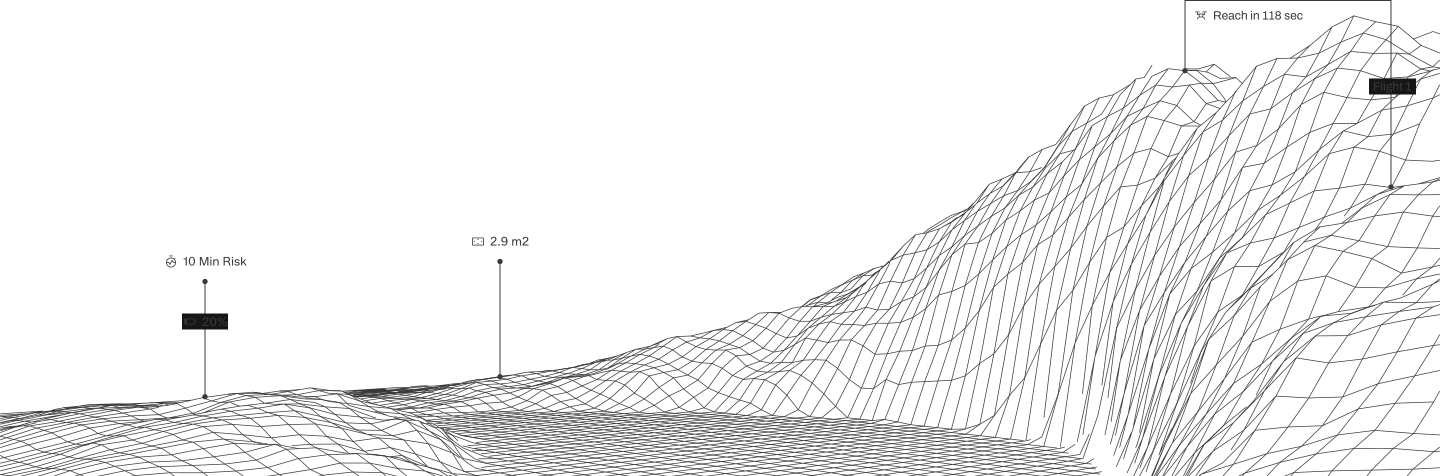
Close-up of a person wearing black gloves and an orange jacket holding a rugged tablet against a blue background with grid lines and drone navigation icons showing altitude 20m, heading 268°, reach time 118 sec, and area 2.9 m2.

Trusted by

App name

Platform

Manual upload

Auto upload

How to

Support notes

Auriga DJI

Android
Yes
Yes

DJI Fly

Android
iOS
Yes
Yes
Yes

Upload from DJI FLY with Airdata app

Upload from DJI FLY with Direct DJI Sync

DJI GO

Android
iOS
Yes
Yes
Yes
Yes

Upload from DJI GO with Airdata app

Upload from DJI GO with Direct DJI Sync

DJI GO 4

Android
iOS
Yes
Yes
Yes
Yes

Upload from DJI GO 4 with Airdata app

Upload from DJI GO 4 with Direct DJI Sync

DJI Pilot

Android
iOS
Yes
Yes
Yes
Yes

Auto upload from DJI Pilot with Airdata app

Upload from DJI Pilot with Direct DJI Sync

DJI Ground Station Pro

iOS
Yes

Requires DJI GS Pro version 2 or newer

Drone Harmony

Android
iOS
Yes
Yes
Yes
Yes

DroneBase

Android
iOS
Yes
Yes

DroneControl

Android
Yes
Yes

Dronelink

Android
iOS
Yes
Yes
Yes
Yes

DroneSense

Android
Yes
Yes

Auto upload using the AirData mobile app

Eagle Eyes

Android
Yes
Yes

Auto upload using the AirData mobile app

FlytBase

iOS
Yes

Gutma log files

FT Aviator

Android
iOS
Yes
Yes
Yes
Yes

Ignis by Drone Amplified

Android
Yes
Yes

LINIAair

Android
Yes
Yes

Map Pilot Pro

iOS
Yes
Yes

Maps Made Easy

iOS
Yes
Yes

Maven

iOS
Yes
Yes

Measure Ground Control

Android
iOS
Yes
Yes

Mission Planner

Android
iOS
Yes
Yes

ArduPilot .bin and .tlog flight logs are supported

ArduPilot .bin and .tlog flight logs are supported

Motorola Cape

Android
Yes
Yes

Contact us for more information

Parrot FreeFlight 6

Android
iOS
Yes
Yes
Yes
Yes

Auto sync is supported from the FreeFlight 6 app

Auto sync is supported from the FreeFlight 6 app

Parrot FreeFlight 7

Android
iOS
Yes
Yes

Pix4D

Android
iOS
Yes
Yes
Yes

Auto upload Pix4D flight logs with Airdata app

QGroundControl

Android
Yes

senseFly

iOS
Yes

The json log files are supported

SkyWatch

Android
Yes

Requires Android v2.0.8 or newer. SkyWatch on iOS is currently not supported.

UgCS

Android
iOS
Yes
Yes
Yes
Yes

Auto upload UgCS flight logs using our desktop sync tool

Auto upload UgCS flight logs using our desktop sync tool

No apps match your search.

Detailed notes

Battery change info

If changing batteries between flights, some app versions may require shutting down the app and restarting it to obtain the correct battery serial number.
Focus on the current flight and grow your operation.

Use the drones and flight apps you already have, with no new tool for pilots to learn before AirData starts adding value.