Put 66M+ flights behind every flight you analyze.
AirData automatically captures and analyzes flight logs, using more than 10 trillion data points to surface anomalies, reconstruct what happened, and give teams a consistent record for review.
Trusted by

































Every flight analyzed with millions more behind it.
AirData reads aircraft behavior, signal, wind, sensor performance, and other flight data consistently across every log, so patterns become easier to find as your history grows. That level of review does not scale by hand.
From flight capture to operational insight.
Once a log reaches AirData, it is processed automatically and organized into flight, telemetry, diagnostic, and performance views for review.
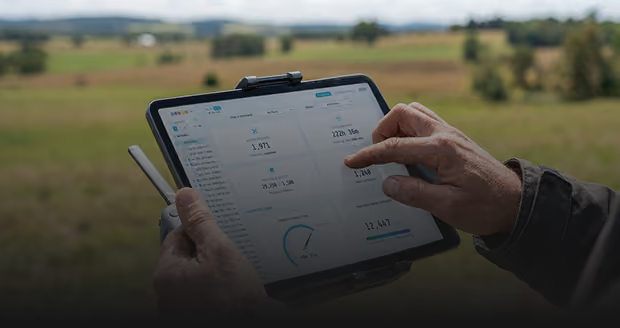
Automatic flight data capture
Get every flight into AirData and ready for analysis.
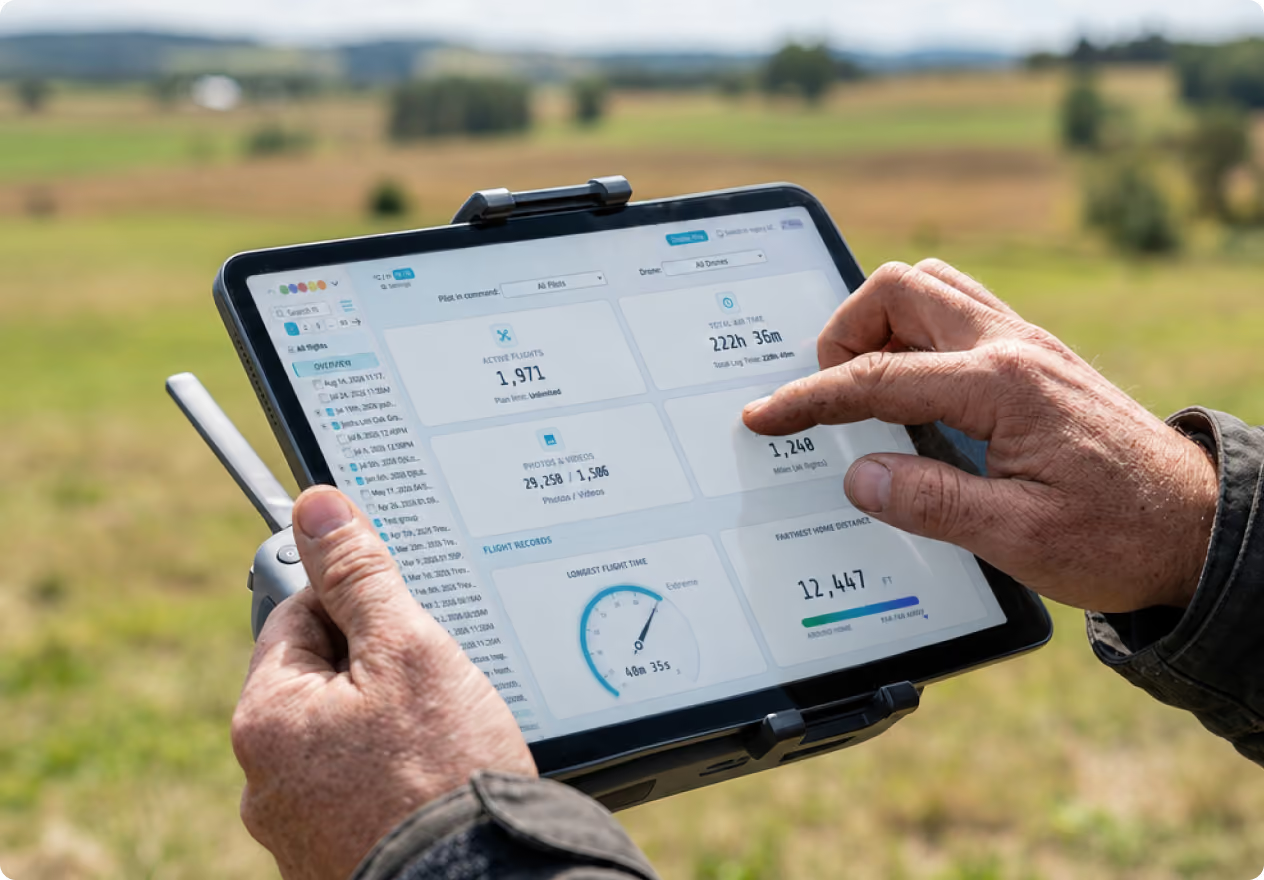
Automatic syncing from 40+ flight apps

Direct-from-device upload when needed
Mixed-fleet flight history in one place
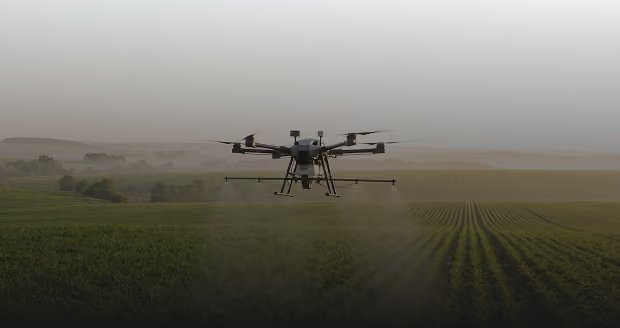
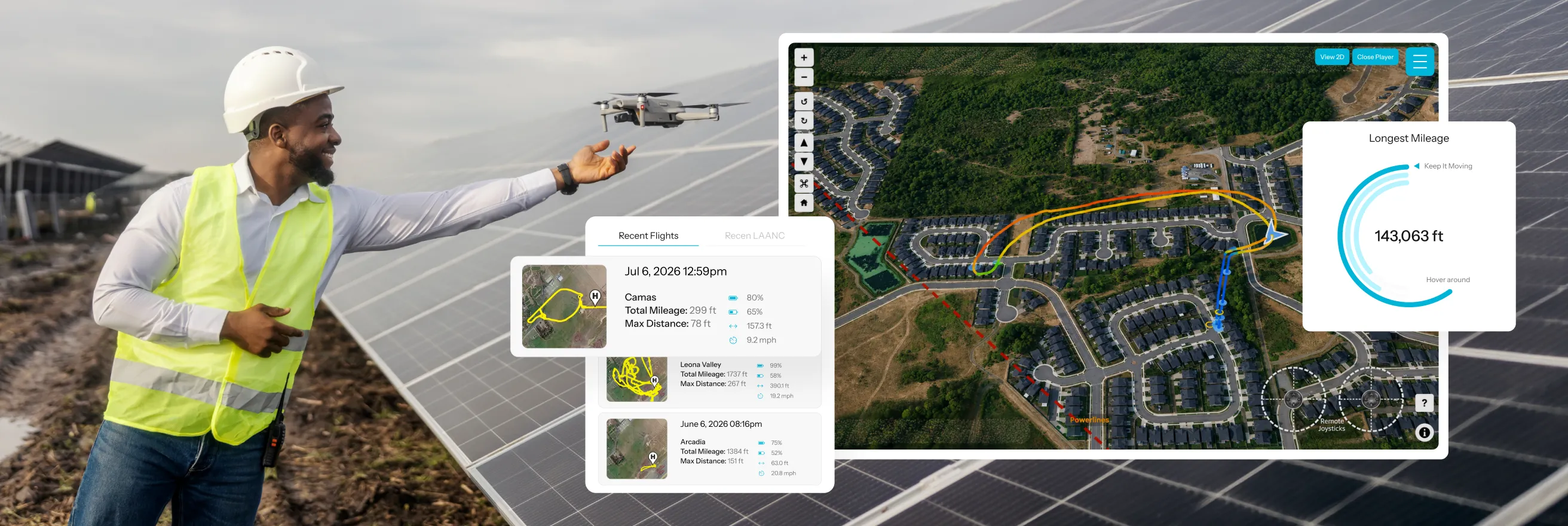
3D flight player & telemetry
Reconstruct each flight and return to the exact moment something changed.
3D route and telemetry playback
Altitude, signal, wind, and warnings in context
Events tied to exact points in the flight
.avif)
Flight diagnostics
Surface anomalies, hazards, and performance indicators that need review.
Active analysis across every log
Sensor and control diagnostics
Environmental conditions alongside aircraft behavior
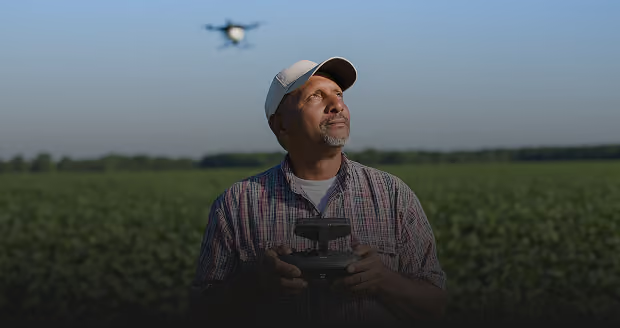
Thresholds & alerts
Measure every flight against the operating limits that matter to your program.
Custom thresholds set before flight
Flagged exceedances for faster review
Patterns across pilots, aircraft, and flights
“AirData gives our team precise insight into aircraft performance, battery health, maintenance status, and pilot activity, bringing the structure and oversight expected in a professional aviation environment.”

Automatic flight data capture
Land the aircraft. The flight record is already on its way.
AirData collects logs from more than 40 flight apps without asking pilots to import files or open another app. Each record joins the pilot, aircraft, and flight history already in AirData, ready for review with less administration and more consistent capture.
•
Automatic capture: Sync logs from the flight apps pilots already use.
•
Direct-from-device: Add supported logs without relying on a manufacturer cloud.
•
Mixed-fleet history: Bring flight records from different aircraft into one view.
3D flight player & telemetry
Return to the moment the flight changed.
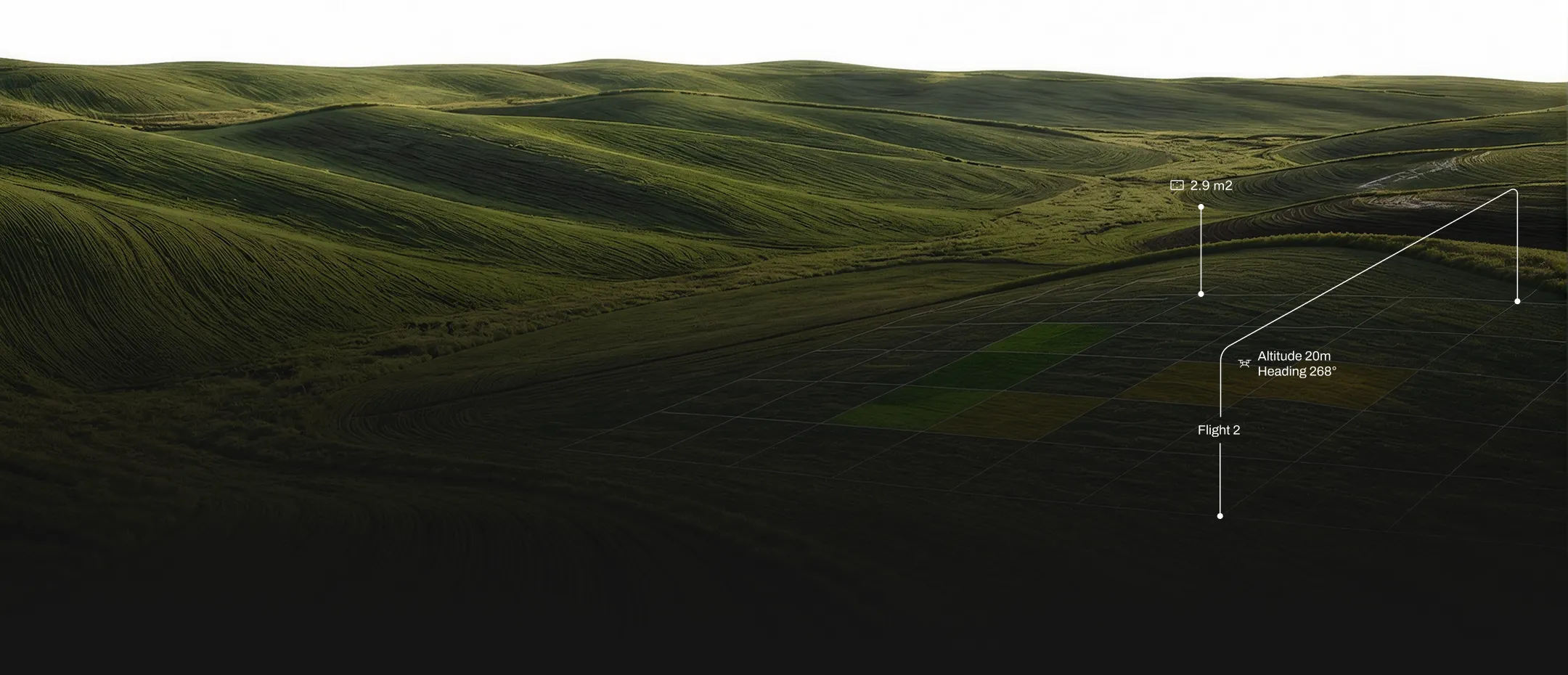
AirData reconstructs the route and telemetry in 3D so teams can see aircraft behavior, conditions, warnings, and other flight data in the context of when and where they occurred.
•
3D replay: Review route, aircraft behavior, and key telemetry.
•
Flight context: See altitude, signal, wind, and warnings along the timeline.
•
Event review: Return directly to notable moments in the flight.
.avif)
Flight diagnostics
Surface what raw flight logs make easy to miss.
AirData analyzes aircraft behavior and operating conditions so teams can focus review on the signals that matter, without manually combing through every data point.
•
Active analysis: Bring anomalies, hazards, and notable events forward.
•
Sensor diagnostics: Review GPS, compass, control, and other performance indicators.
•
Environmental context: See wind and changing conditions alongside aircraft behavior.
Thresholds & alerts
Measure every flight against your operating limits.
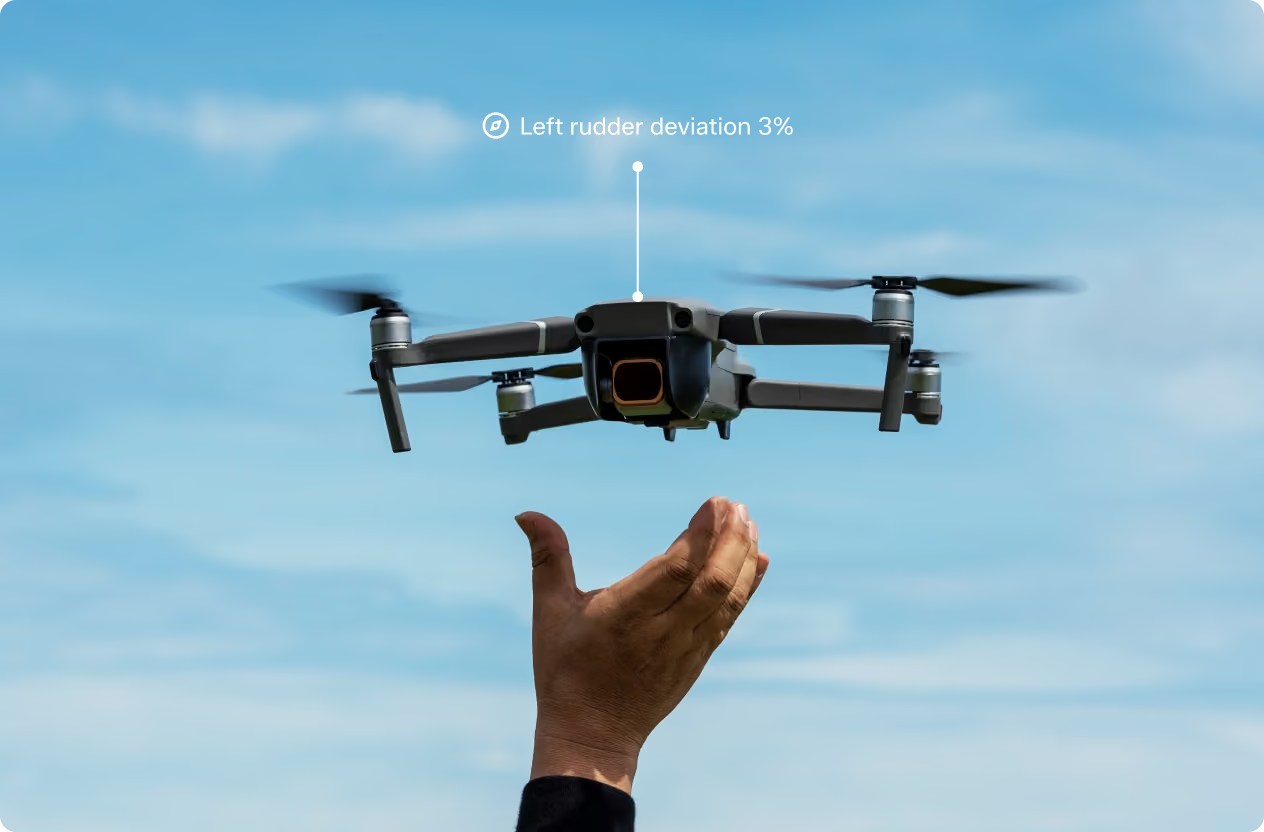
Set the conditions that matter to your program before flight and identify when they are exceeded across flights, aircraft, and pilots.
•
Custom thresholds: Define limits for the conditions your operation monitors.
•
Flagged exceedances: Bring exceptions forward for faster post-flight review.
•
Program patterns: Track recurring conditions across pilots, aircraft, and flights.
.avif)
One flight log showed Oxy exactly what caused an incident.
Oxy (Occidental Petroleum Corp)
“The analysis now shapes how Oxy trains pilots and refines its procedures, catching potential issues before they become incidents.”
As Oxy's drone program grew to more than 40 pilots flying a primarily DJI fleet, so did the volume of flight data to manage. AirData turned that data into something actionable: when one aircraft went down in wiring, the flight log showed the team exactly what happened and why.
Questions about Flight Analysis.
AirData syncs logs from more than 40 flight apps with no pilot action and no separate app required. Once the log arrives, the flight becomes available for analysis in AirData.
AirData reads telemetry including the flight path, altitude, signal strength, wind, warnings, sensor behavior, control response and battery performance, then brings anomalies forward for review.
AirData includes the flight logbook, sensor maps, battery-efficiency views and control-response data. Teams can move from the flight record to the view that best answers the question under review.
Yes. Teams can set the thresholds that matter to their operation before flight and review flagged risk afterward, including patterns across pilots, aircraft and flights.
The 3D Flight Player reconstructs the route and telemetry, then ties system and environmental notifications to specific moments so teams can see what changed and when.
Yes. AirData supports 180+ drone types from 40+ manufacturers and 60 flight apps, allowing teams to analyze flight data across mixed fleets in one platform.
Put 66 million flights behind your next one.
Choose the AirData plan that puts your flight logs to work.