Stream what your drone sees, in under a second.
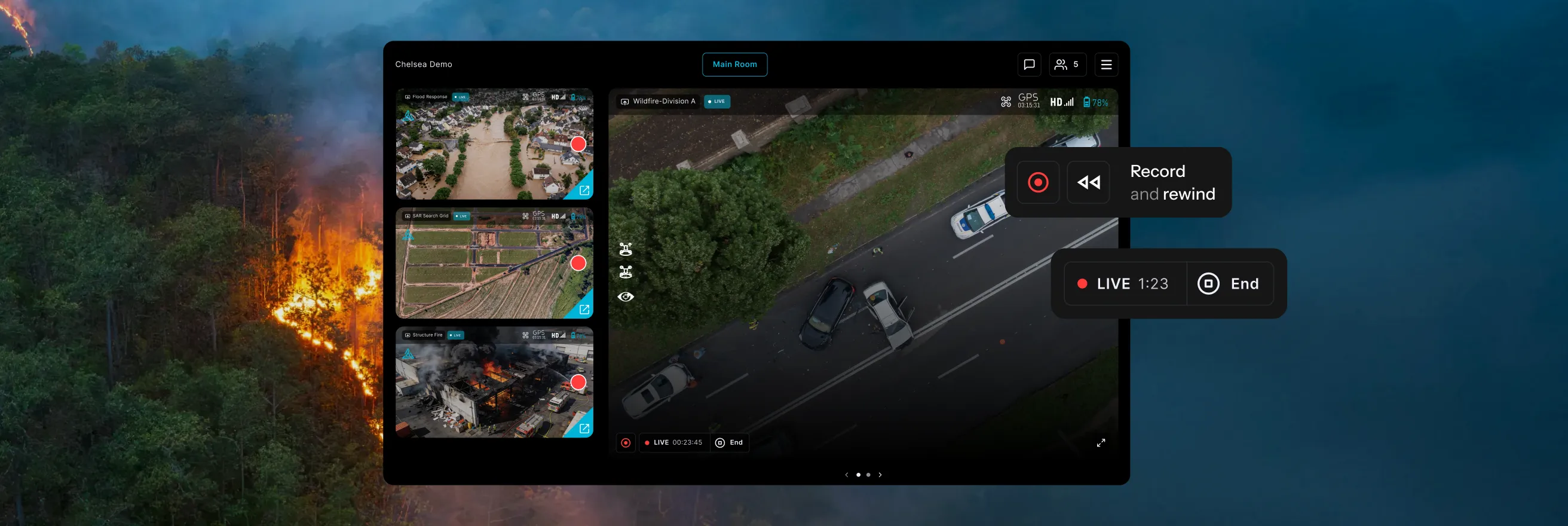
Stream from the aircraft and flight apps your pilots already use, with sub-second latency and no additional hardware. Monitor up to seven feeds, control access, and record or rewind live video from one place.
Trusted by



























Most of the people who need the drone's view are not on scene.
AirData Live Streaming runs on the drones and flight apps you already fly, with the same account, the same people, and the same flight record as everything else.
One place to watch every feed, control who sees it, and keep what matters.
Pilots go live from the flight app already in use, with under a second of latency. Multiview brings up to seven feeds together, secure sharing controls access, and streams can be recorded or rewound without leaving the live operation.
.avif)
Multiview player
Watch up to seven live feeds in one place as pilots go live.
Feeds appear automatically

Any viewer can enlarge the feed that matters most
Separate rooms for teams, agencies, or activities
.avif)
Stream from any flight app
Send the pilot’s screen or a direct camera feed to viewers in under a second.
No additional hardware needed
Pilot screen or RTMP, RTSP, or SRT feed
Adaptive streaming for cellular and remote sites
.avif)
Secure sharing
Control who can watch and how long access remains active.
Encrypted end to end
Share by link, PIN, or QR code
Outside viewers use a browser, no account required
Record and rewind
Save streams for later review and move back through the live feed without leaving it.
Up to 10 previous minutes captured
Rewind while the stream stays live
Optional auto-start when a stream goes live
“Live streaming through AirData has been a game changer for situational awareness, helping our team see everything in real time and coordinate seamlessly during major incidents.”

Multiview player
Monitor up to seven live drone feeds in one view.
The Multiview Player brings up to seven streams into one screen. Feeds populate the room as pilots go live, and each viewer can enlarge the feed that matters at that moment. Additional rooms can be restricted to specific personnel or organizations.
•
Seven feeds: Follow multiple pilots and operations from one screen.
•
Automatic population: Active streams appear as pilots go live.
•
Live alerts: Notify supervisors and stakeholders when a stream begins.
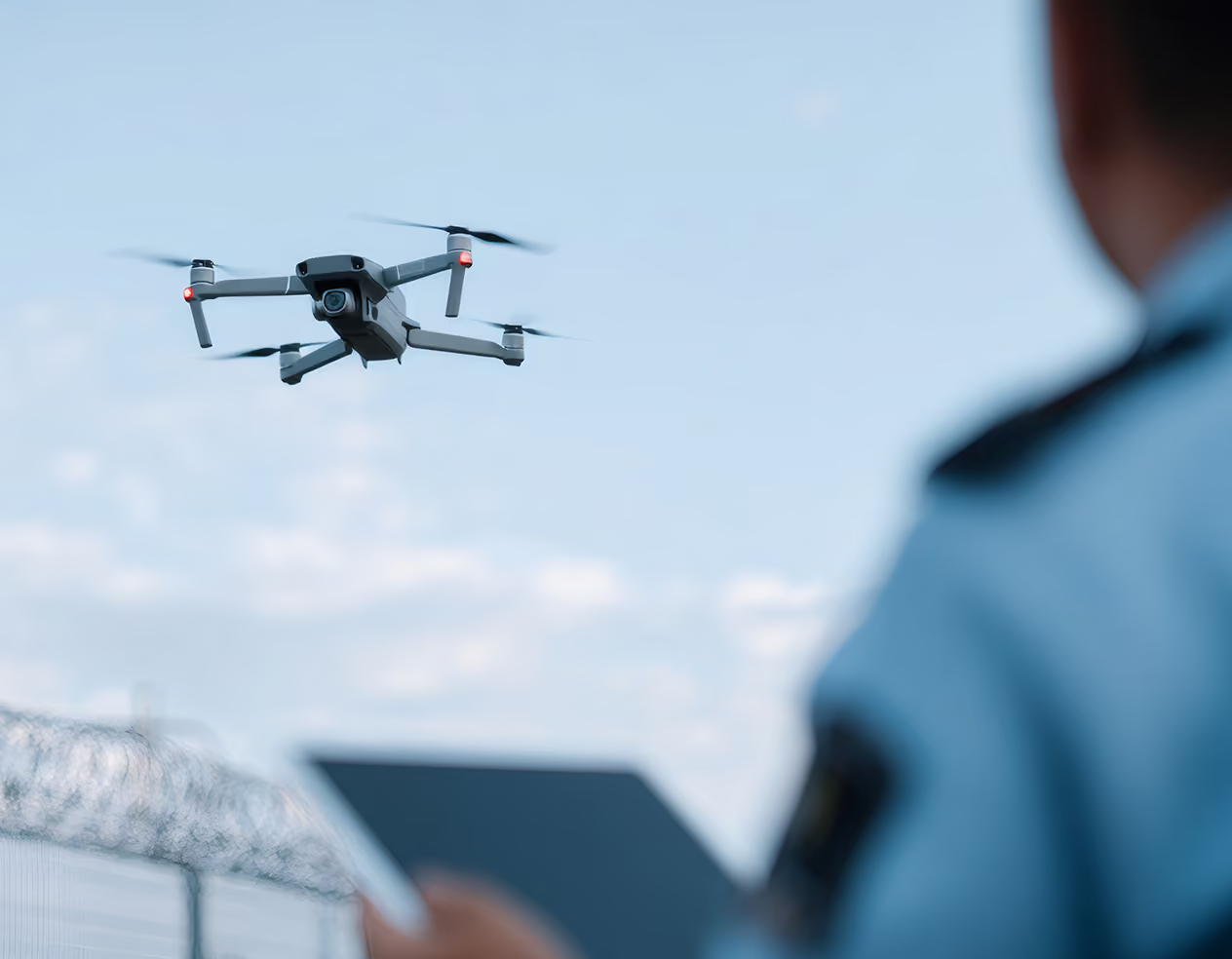
Stream from any flight app
Live in seconds, from the aircraft and apps you already use.
Streaming is enabled from account settings, so aircraft already in service can go live without new equipment or a technician visit. Pilots start the stream from the AirData mobile app on the device connected to the controller.
•
Stream options: Share the pilot screen or direct RTMP, RTSP, or SRT feed.
•
Sub-second latency: Give viewers a live view as operations unfold.
•
Adaptive streaming: Maintain usable video quality on cellular and remote networks.
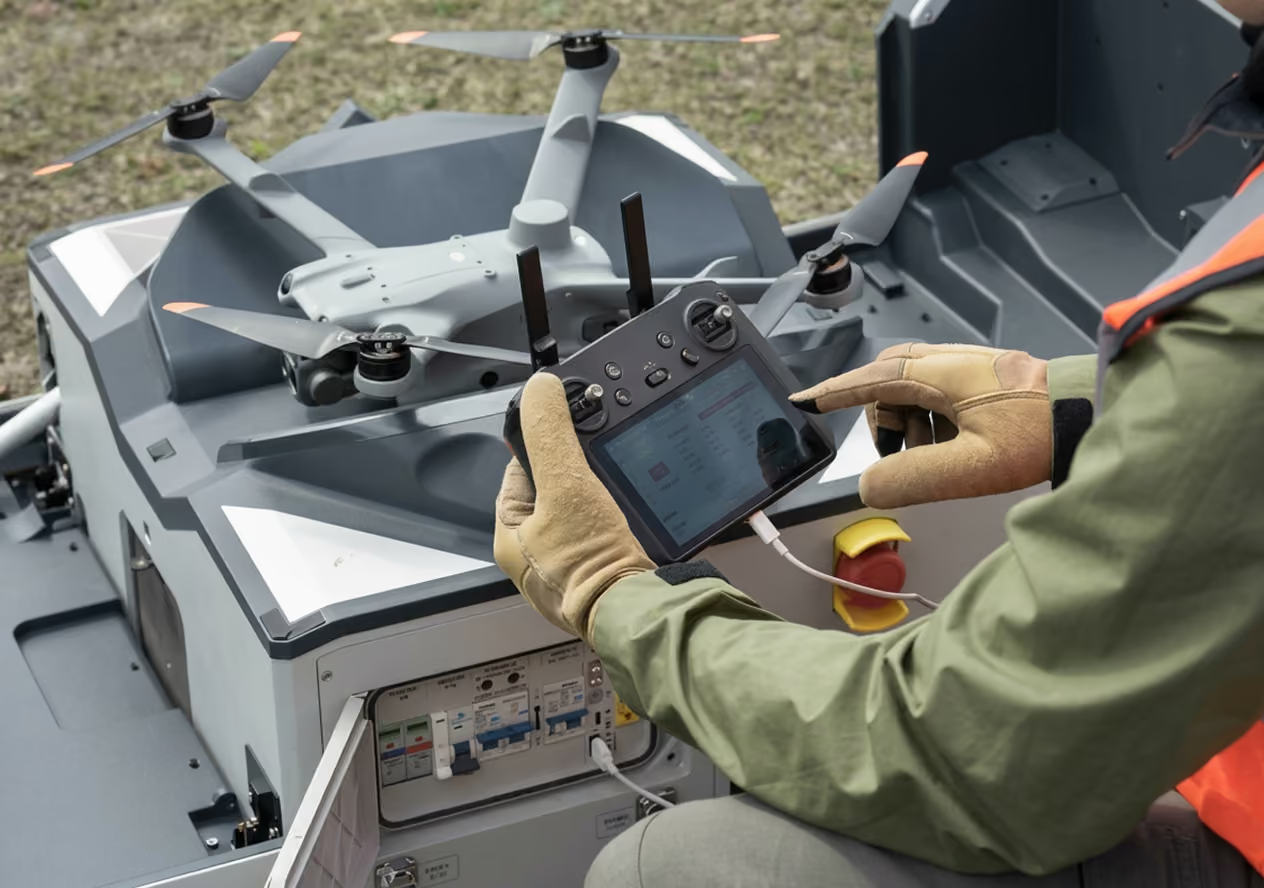
Secure sharing
Share live video securely with the people who need it.
A Room Share is an invitation to one live streaming room. Name it for the group it serves, set an expiration date, require a PIN, then send the link or QR code by email. Streams are encrypted end to end, and outside viewers watch in a browser without an AirData account.
•
Named shares: Create separate access for teams, field personnel, and outside organizations.
•
Expiration and PIN: Set access duration and add PIN protection.
•
Across accounts: Bring pilots from different AirData accounts into one room.
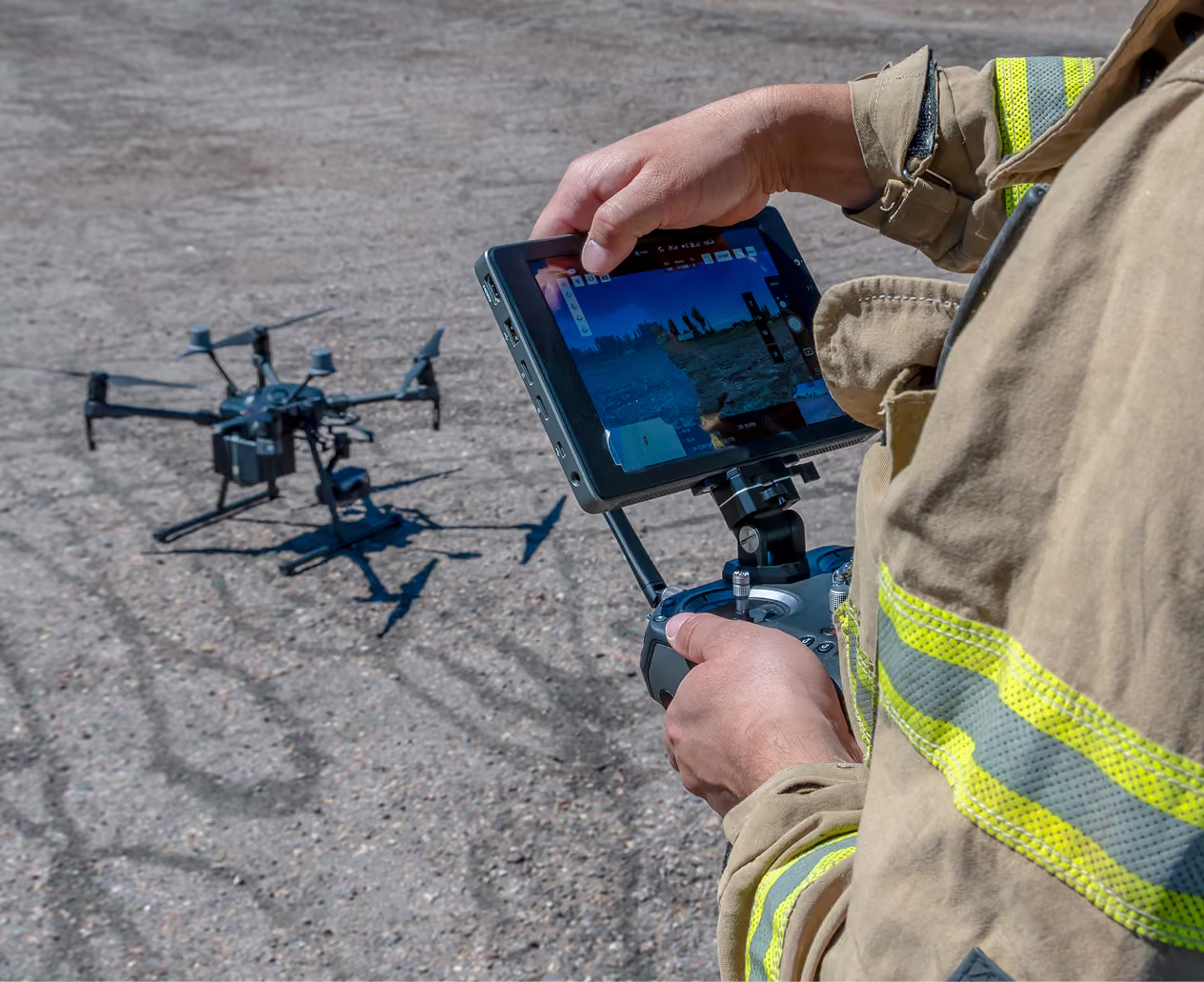
Record and rewind
Rewind live video and save the full stream for later.
Stream Recording and Rewind saves live streams to your account and lets viewers move back through the last 10 minutes without leaving the live feed. Pilots start and stop recording in the app, admins set the rules in account settings, and recordings can be shared with a PIN, an expiration date, and a QR code.
•
10-minute capture: Start recording with the previous 10 minutes included.
•
Optional auto-start: Record automatically whenever a stream goes live.
•
Automatic retention: Set retention periods and let cleanup run automatically.
.avif)
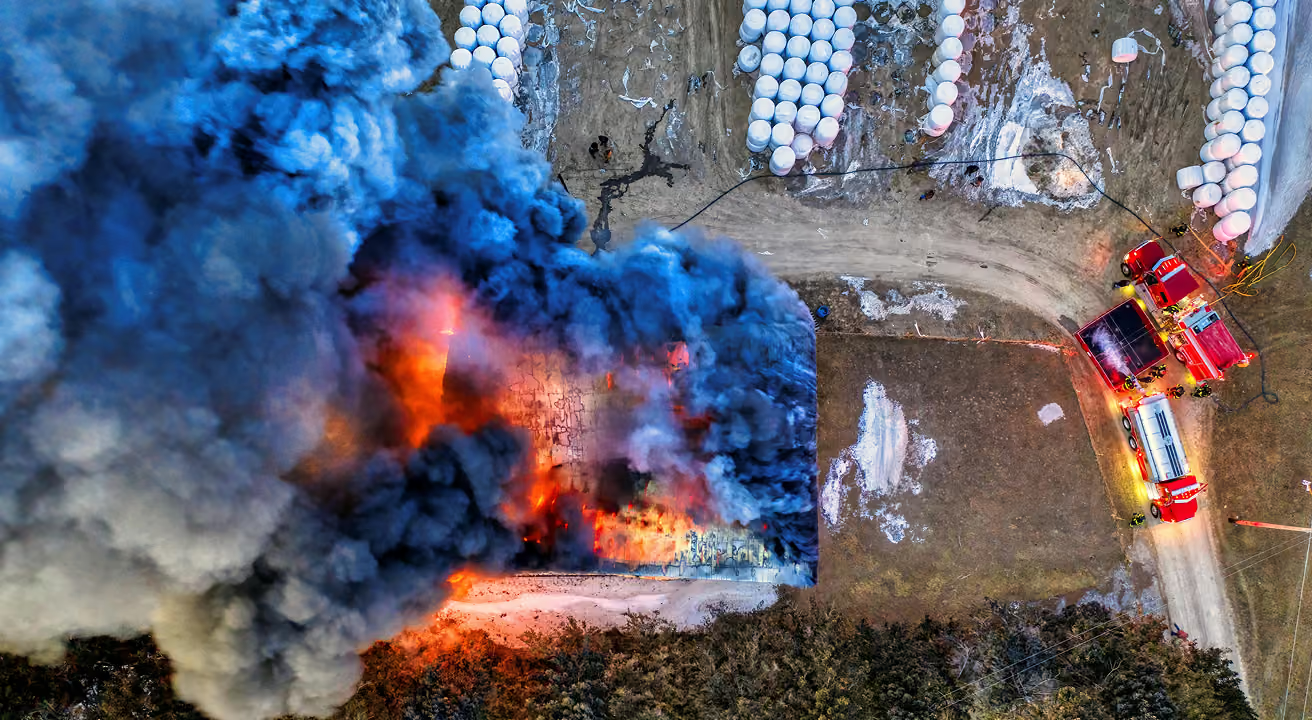
Menlo Park Fire command can find any pilot’s live feed from one place.
Questions about Live Operations.
Enable streaming in your AirData account settings, then start the stream from the AirData mobile app on the device connected to the controller. Latency is under one second, pilots keep flying with the app they already use, and no additional hardware goes on the aircraft. AirData covers 180+ drone types, 40+ manufacturers, and 60 flight apps.
Yes. The stream comes from the device connected to the controller, so it works the same whether the pilot is at the launch site or in an operations center. Feeds arrive in the Multiview Player at under a second of latency, from the pilot's screen or from a direct feed over RTMP, RTSP, or SRT.
Share a secure link with a PIN, or a QR code, and viewers watch in a browser without an AirData account. Access can be set to expire on a date you choose, so temporary access stays temporary.
The AirData Multiview Player holds up to seven live streams on one screen. Feeds appear automatically as pilots go live, each viewer can enlarge whichever feed matters most, and alerts fire the moment a stream starts.
Yes. Pilots from different AirData accounts can stream into the same room, so mutual aid partners, contractors, and multi-site teams work from one live view at no additional charge.
Yes. Recordings save to your AirData account for playback, and viewers can move back through the last 10 minutes without leaving the live feed. A recording started mid-stream already includes those 10 minutes. Recording is available now in early access.
Make shared awareness part of every operation.
Choose the AirData plan that keeps your team connected in real time.